 COME
COMEChoose the Right COME Account Record: Navigate Categories, Activities and Help
Keep account identity, transaction records and game history separate when investigating an earlier action. You want to move between the Fantasy category, an individual activity and the profile menu.
Establish the account first
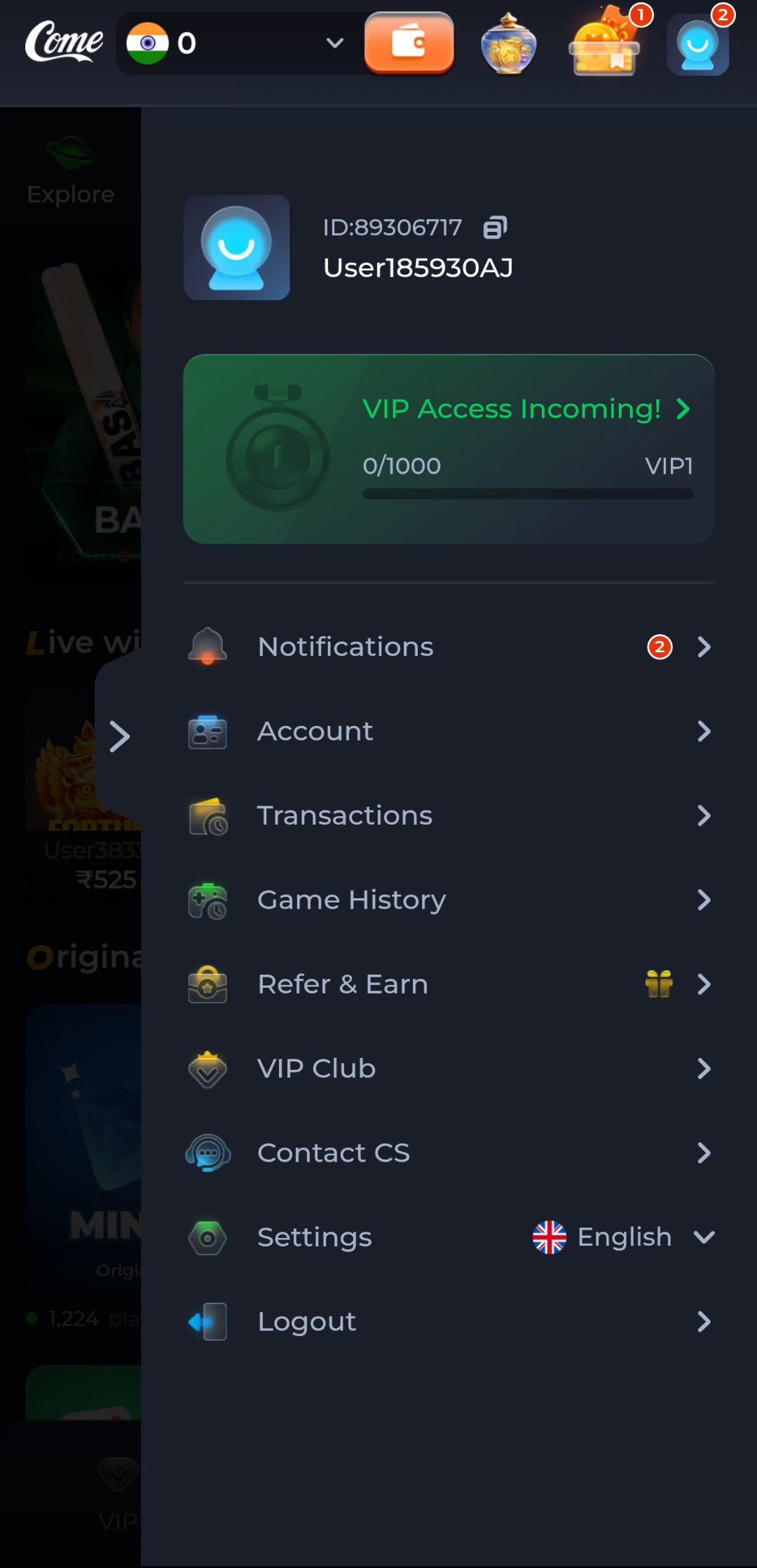
The profile menu separates Account, Transactions and Game History. Before reading any history, establish that you are using the intended account. A familiar app icon or homepage does not confirm account identity. Keep the sign-in context with the record, especially when comparing a browser visit with another device.
A name or balance visible in an illustration is not your own information. Use the live account screen and avoid entering account details into an unrelated information website. This site explains navigation; its pages do not recover an account or display private product records.
Choose the record that matches the question
Transactions and Game History name different record areas. Read the labels and fields actually displayed in the selected area before interpreting an entry. Do not assume a total, an activity result and an account balance measure the same thing. Keep the record type, time and status together.
When an action seems unresolved, inspect its current status before repeating it. A delayed screen and a completed operation can coexist. Another submission may create a second action rather than clarify the first. If the available record is unclear, retain the exact message and use the relevant support route.
Compare like with like
Compare the same account, record type, item and time period. A different date filter, time zone or page can explain why two views display different information without proving either is wrong. Read any filters that are visible; do not assume a hidden filter or invent the meaning of an unexplained field.
If you are recording a problem for help, write a short sequence: the screen opened, the action taken, the time and the result shown. Keep sensitive identifiers private. A concise description allows the support question to concern one actual record rather than a mixture of installation, account and catalogue issues.
Protect working access
Do not clear app storage or uninstall a working copy merely to refresh a record. Those changes affect local state and can complicate access. Start with the relevant record and help information. Installation and account-history questions have different checkpoints and should be investigated separately.
The check is complete when you can name the intended account context and the record relevant to the action. A website guide cannot confirm a private result for you. Use the product's current records and support for that account-specific conclusion.
Apply this check to your visit
You want to move between the Fantasy category, an individual activity and the profile menu.
Treat these as three navigation layers. The category groups content; an activity provides its own instructions; the profile menu holds account records, preferences and help. Read the title after each transition. If you need to understand points or eligibility, open the relevant activity's rules rather than expecting the general Settings panel to explain them.
The checkpoint for this guide is specific: keep account identity, transaction records and game history separate when investigating an earlier action.
- Establish the intended account.
- Select the relevant record area.
- Keep type, time and status with each entry.
- Inspect the result before repeating an action.
A game-history entry and a transaction entry may concern related activity while still describing different facts.
Questions about this task
Does reinstalling retrieve a missing record?
It is not a record-retrieval method. Establish the account and inspect the appropriate history or help route.
Are a score and account balance comparable?
They can measure different things. Keep each value with its label and context.
A related next step
Understand the Fantasy category and read an activity before participating. You want to move between the Fantasy category, an individual activity and the profile menu.
Start Reading COME Fantasy: Navigate Categories, Activities and Help